TL;DR: Hospital Wi-Fi is unreliable. Routers reboot, access points drop, power cuts happen, and cloud-only attendance apps lose punches every time. Offline-first attendance apps record every event to a local encrypted database first and sync to the server when the network returns, so no punch is ever lost. This post explains how offline-first actually works, why it matters in Indian hospitals specifically, and what to test before you buy.
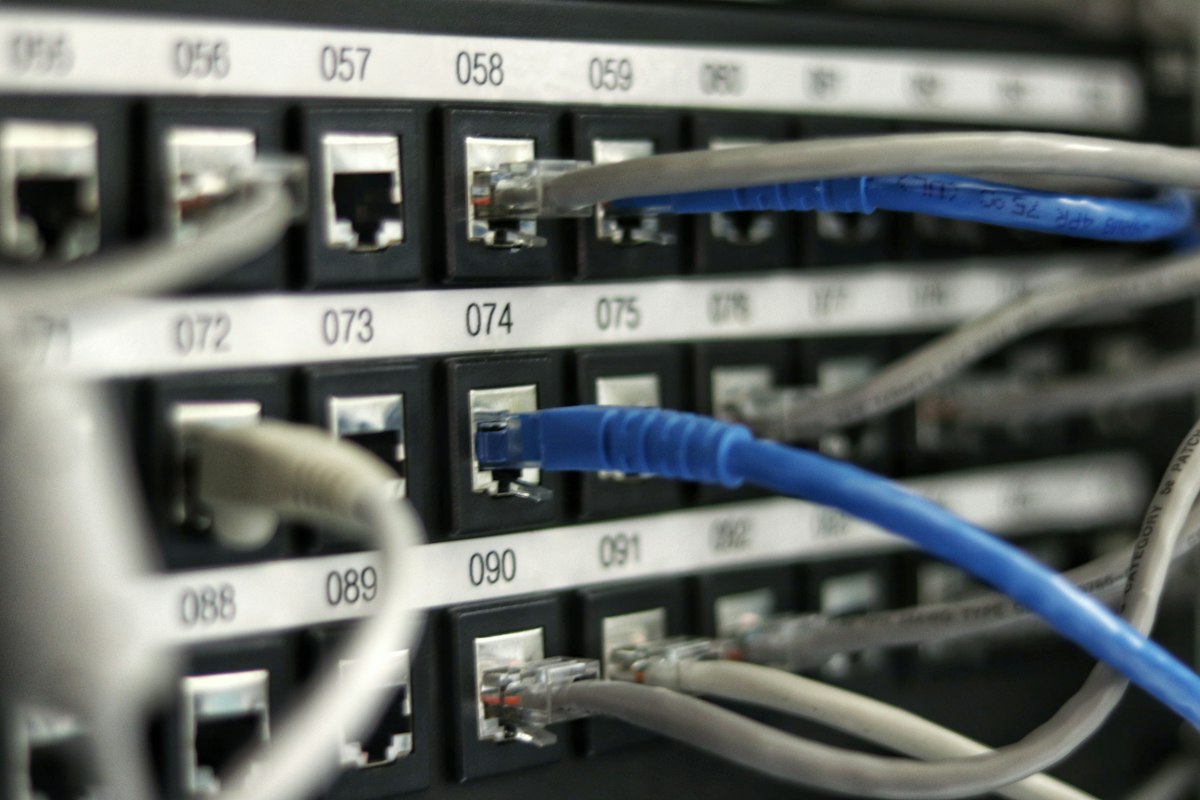
Any hospital administrator who has run an attendance system for more than a year has the same story. One Monday morning, the main router reboots unexpectedly. Or a power cut trips the Wi-Fi. Or the access point near the OPD entrance overheats. And for the next 90 minutes, staff walk up to the attendance kiosk, tap or scan, and the system responds with "network error, try again." By the time the network recovers, HR has an email from 40 staff saying their morning punch didn't register.
Key Statistics
- 0 lost — punches during network outages with offline-first sync (Source: OmniStaffSense design)
- 4+ hours — demonstrated offline tolerance without data loss (Source: Field testing)
- Encrypted — local SQLite storage of all queued events (Source: Product spec)
If you run a cloud-first attendance app, there is no fix for this. The design assumes the network is always there. In a hospital, the network is not always there.
Offline-first attendance apps flip the assumption. Every punch is saved locally first, then synced later. When the network is up, you don't notice the difference. When the network is down, you still don't notice the difference; the app just keeps working. This post explains how the mechanism actually works and what to look for.
What does offline-first mean for attendance?
Offline-first means the attendance app treats the local device as the source of truth and the network as a secondary channel. When a staff member punches in, the app writes the event to a local encrypted database immediately and returns a confirmation. A background process syncs queued events to the server whenever the network is reachable. The employee never sees a "network error" because the punch was never blocked by the network.
The cloud-first pattern is the opposite. Every punch makes a network call to the server; if the call fails, the punch fails. This works fine in offices with enterprise Wi-Fi and wired fallback, but it's a bad fit for hospitals where the network is a moving target.
Architecturally, offline-first apps keep three things local:
- The employee enrolment data (face templates, employee IDs, roles).
- The live punch queue (events waiting to sync).
- A local copy of the attendance history (so employees can view their own punches even when offline).
OmniStaffSense is built this way by default: an encrypted local SQLite database holds all three, and a background sync engine handles the rest.
Why hospital Wi-Fi is the worst place for online-only apps
Three structural reasons. Indian hospitals run in old buildings with dense concrete walls that block Wi-Fi, they prioritise medical device bandwidth so attendance kiosks get the leftovers, and they experience more power and network disruptions than an average office. Any one of these would be manageable. Together, they guarantee that any cloud-first attendance app will lose punches regularly.
The concrete wall problem is physical. Many Indian hospital buildings predate modern Wi-Fi design and have the access points bolted on as an afterthought. Signal strength at wall-mounted kiosks is often borderline even in good conditions.
The priority problem is operational. When a radiology tech uploads a DICOM file, the attendance kiosk's ping will lose to the imaging workload, every time. That's the right priority, but it means attendance traffic is best-effort, not guaranteed.
The disruption problem is environmental. Power cuts, UPS switchovers, and router reboots are more frequent in Indian hospitals than in western corporate offices, even with infrastructure investment. Any app that assumes five-nines network uptime will fail here.
How does offline sync actually work?
The sync mechanism has three moving parts. Each is simple on its own; the reliability comes from how they fit together.
Local write. When the employee punches in, the app writes the event (employee ID, timestamp, type, location) to a local encrypted database. This is a fast local operation that completes in milliseconds. The employee gets a confirmation instantly.
Queue and background sync. A background worker process checks every few seconds: is the network up? If yes, it picks up the oldest unsynced event from the queue and pushes it to the server. If no, it sleeps and tries again. Modern mobile frameworks like Flutter's workmanager handle this reliably.
Server-side idempotency. The server accepts the event and acknowledges it. The local app marks the event as "synced" and can prune it later. If the network fails mid-sync, the event stays in the queue and the server, designed to be idempotent, accepts a retry without creating a duplicate punch.
The design is battle-tested. The same pattern powers messaging apps, ride-sharing apps, and payment apps that all have to work in patchy network conditions. For attendance, where the value of each event is high, it's the only responsible choice.
What happens to punches during a 4-hour outage?
Nothing is lost. An offline-first attendance app keeps recording punches to its local encrypted database throughout the outage. Employees see normal confirmations, the kiosk behaves normally, and the only thing that's different is the "last synced" indicator (which the employee doesn't need to care about). When the network returns, the background worker pushes all queued events to the server in order and the system catches up within a minute or two.
The mathematical guarantee is simple: as long as the local database survives, no event is lost. Encrypted SQLite databases on Android are extremely reliable; they survive app crashes, device reboots, and unexpected power loss by design.
In extreme cases (the tablet physically breaks), the data is still recoverable from the device. And because the server is the eventual source of truth for payroll, events that did sync before the device failed are already safe on the backend.
Encryption, queuing, and conflict resolution
Three implementation details separate good offline-first apps from fragile ones:
Encryption at rest. The local database must be encrypted. If the tablet is stolen, no one can extract employee data from the SD card. Standard Flutter secure storage plus SQLite encryption handles this cleanly.
Ordered queuing. Events must sync in the order they were recorded. Out-of-order syncs can corrupt attendance reports (for example, a check-out syncing before a check-in). The worker needs a first-in-first-out queue.
Conflict resolution. The server must handle the same event arriving twice. If the network blinks mid-sync, the app may retry an event the server already accepted. Idempotent endpoints (where sending the same payload twice has the same effect as sending it once) are the standard fix.
These are engineering details, but they matter for reliability. A good vendor can answer questions about all three without hesitation.
How to test that your kiosk survives real outages
Before you sign for any attendance system, run this five-test sequence:
- Airplane mode test. Put the tablet in airplane mode. Punch in and out 20 times over 10 minutes. Then turn airplane mode off and verify all 20 events appear on the server in order.
- Router-reboot test. While staff are actively punching, reboot the main router. The kiosk should keep accepting punches. Once the router is back, events should sync within 2 minutes.
- Power-cut test. Unplug the tablet while it's showing a punch-in screen. Plug it back in. The pending punch (if any) should still be in the queue.
- Long-outage test. Leave the tablet on but network-disconnected for 4 hours. Punch 50 events. Reconnect and verify every event syncs.
- Multi-day test. Keep the tablet offline for 48 hours (e.g. a long holiday at a branch facility). Verify the local database handles the volume and everything syncs cleanly when reconnected.
If the vendor's app fails any of these, the app is not truly offline-first. OmniStaffSense was designed against exactly this test battery.
Conclusion
Hospital Wi-Fi will drop. The only question is whether your attendance system keeps working when it does. Offline-first apps treat network outages as routine and invisible; cloud-first apps treat them as crises that employees feel immediately.
For Indian hospitals specifically, where network reliability is a known constraint rather than an edge case, offline-first is not a nice-to-have. It's a hard requirement.
If your current attendance system is losing punches during network outages, book a free demo of OmniStaffSense. We'll demonstrate the offline sync behaviour on a live tablet and show you exactly what happens to punches during a simulated outage.
Frequently Asked Questions
What happens if the attendance tablet is offline when an employee punches in? With an offline-first app, nothing visible changes. The punch is recorded to a local encrypted database immediately, and the employee sees a normal confirmation. The event is queued and synced to the server as soon as the network returns.
How long can an attendance app stay offline without losing data? As long as the local database has space, an offline-first app can stay offline indefinitely. A typical tablet running OmniStaffSense can store hundreds of thousands of events locally, which covers months of operation at a busy entry point.
Does offline mode work with face recognition? Yes. The face matching happens on-device using the pre-enrolled staff templates, so no network call is needed to identify a staff member. Offline-first apps keep working exactly as they do online.
What's the difference between cloud-first and offline-first attendance? A cloud-first app requires a live network connection for every punch; if the network fails, the punch fails. An offline-first app records every punch locally first and syncs later, so network outages never block attendance.
Is offline-first data safe during a tablet failure? Events that have already synced to the server are safe regardless of the tablet's state. Unsynced events are in the local encrypted database; in most cases, the data can be recovered from the tablet. Keeping tablets on UPS-backed power and syncing frequently minimises any exposure.
Omniworks HMS is trusted by 100+ hospitals across India. Start with a free demo, no commitment required.
Book Free Demo →
Vamshi Rajarikam
OmniWorks India Team
Last updated: